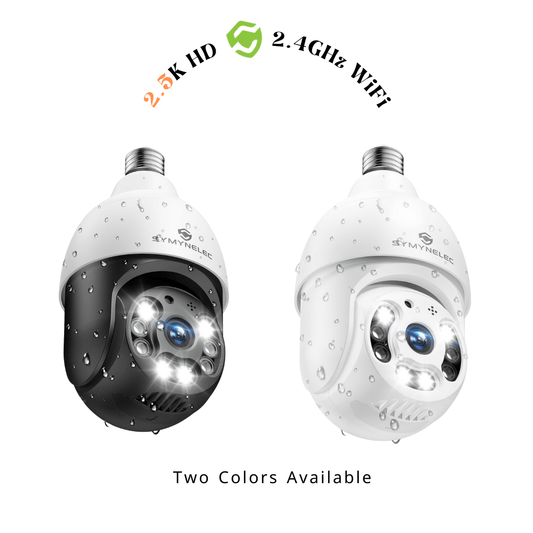
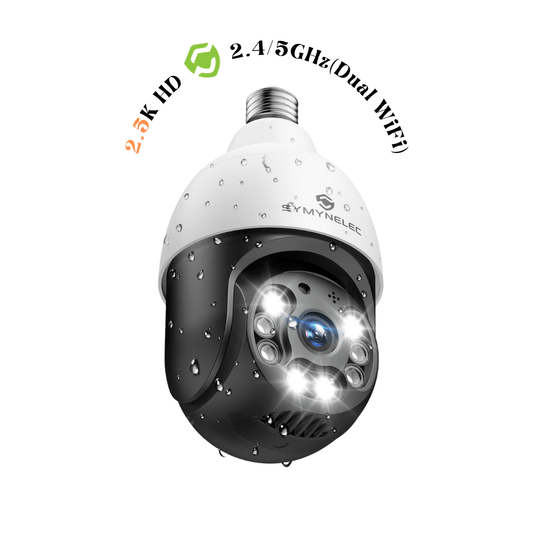
How to turn on/off the camera night vision function?
Share
If you want to enable the camera's night vision function, follow these steps:
1.Click on the upper right corner of the device details page.
2.Select "Settings."
3.Locate the night vision option and turn it on.
Under normal circumstances, the camera will automatically switch to night vision mode in low-light environments, at which point the image will appear in black and white.
Troubleshooting:
1.If your camera does not enter night vision mode, please update the app to the latest version and rebind the camera. (Be sure to unbind the camera through the app first, otherwise, issues may occur.)
2.If the problem persists, it could indicate a hardware malfunction in the camera. In this case, it is recommended to contact the seller for after-sales support.
Notes:
1.If you plan to use the camera's night vision mode, do not cover the camera's indicator light with tape, as the light is needed to provide infrared illumination in night vision mode.
2.Most cameras will automatically switch to color mode under strong light conditions to protect the night vision module from damage.
Some cameras do not offer a manual night vision switch, so the night vision function will only turn on and off automatically.
If you're experiencing delays in motion detection or if the camera is not capturing moving objects, please follow these steps: 1.Open the camera app and tap the "..." button in...
If you're experiencing delays in motion detection or if the camera is not capturing moving objects, please follow these steps: 1.Open the camera app and tap the "..." button in...
For security reasons, both cloud storage videos and those on SD cards can only be accessed through the App. Our cloud storage service employs encryption for both the video data...
For security reasons, both cloud storage videos and those on SD cards can only be accessed through the App. Our cloud storage service employs encryption for both the video data...
To enable or disable the motion detection function on your camera, follow these steps: Open the camera's control panel and click the button in the upper right corner to access...
To enable or disable the motion detection function on your camera, follow these steps: Open the camera's control panel and click the button in the upper right corner to access...